[ COMPOSIA — MULTI-REFERENCE STUDIO ]
Build the image
you're picturing.
Bring your own subjects and build a scene from scratch — or point at anything in an existing image and change it by saying so.



Build it. Or reshape it.
Two ways to create — build an image from scratch, or reshape one you already have. Either way, you stay in the driver's seat.
Point. Don't prompt.
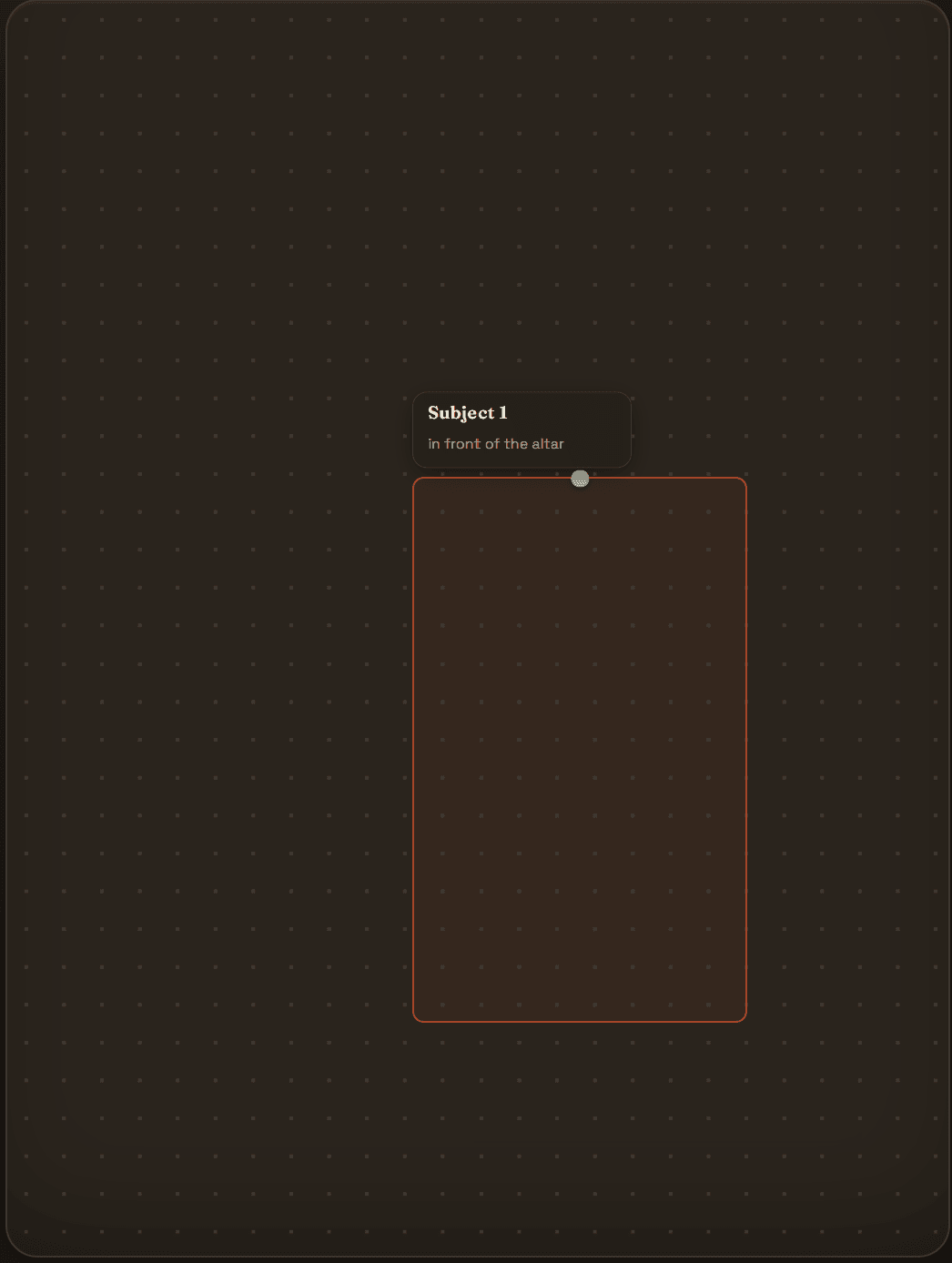
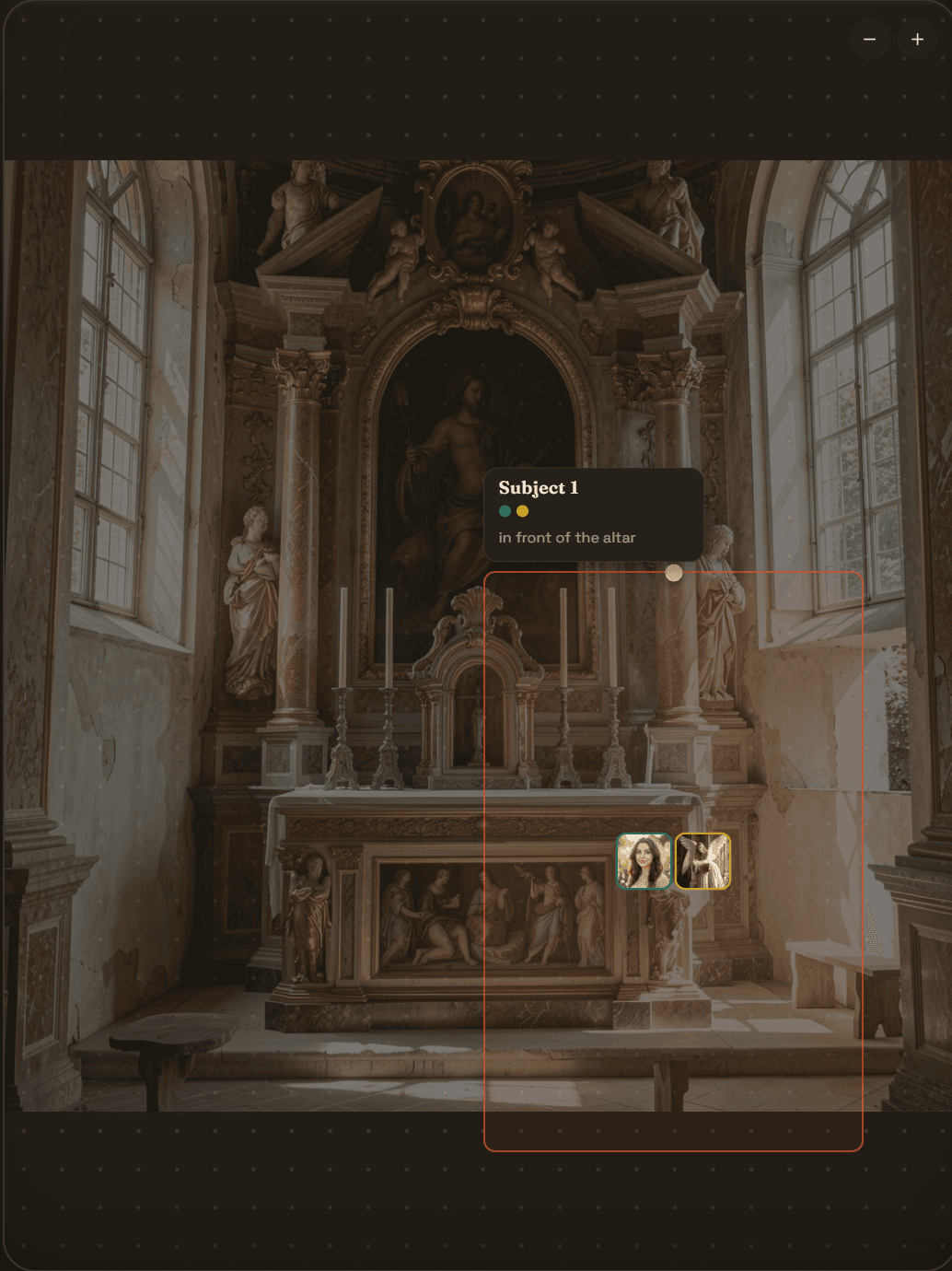
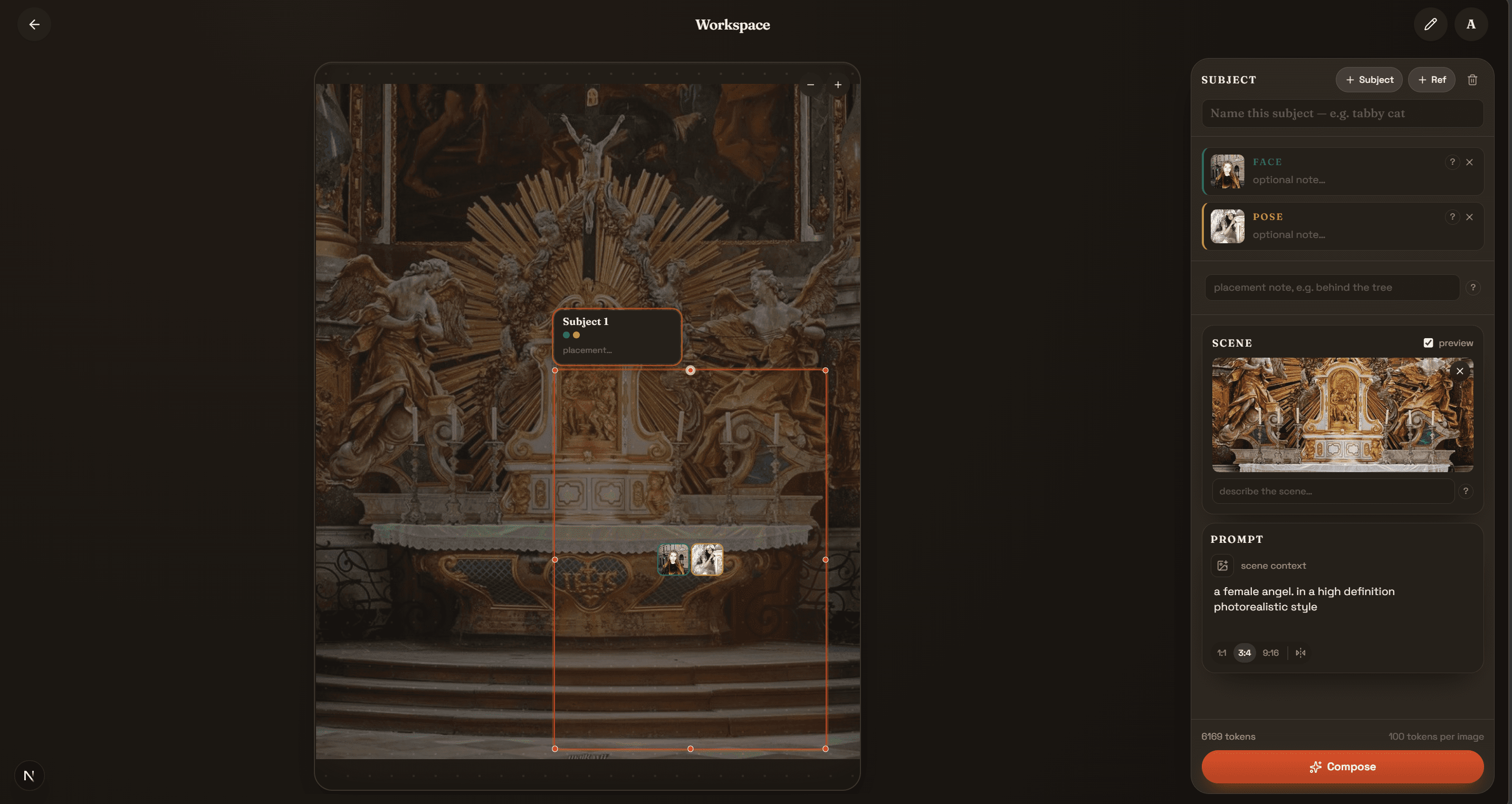
Sketch a box where your subject should stand. Composia takes the hint and frames the shot naturally — no prompt-wrestling, no coordinates.
Consistent characters, every time.
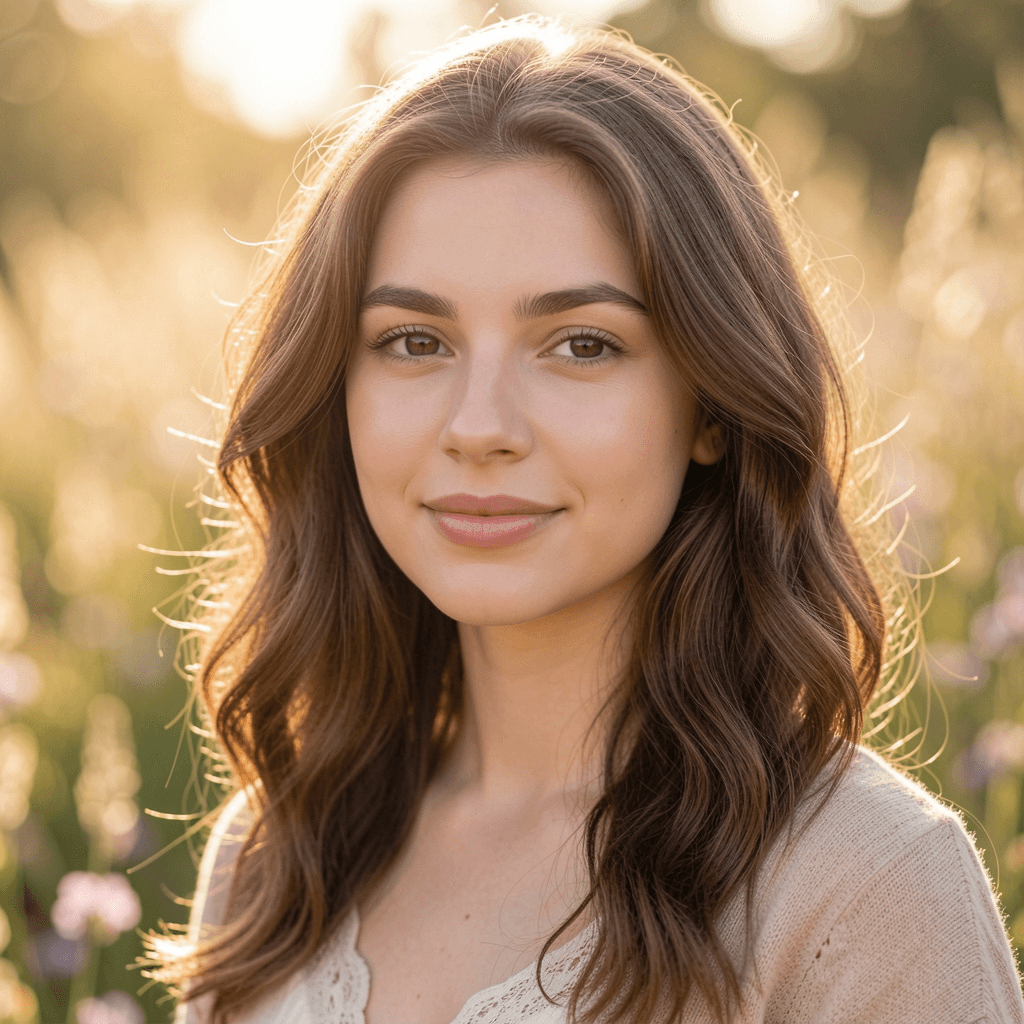
Give each subject reference photos, and Composia keeps them looking consistent as you place them into new scenes.
Composia is for composing your own photos and original subjects. It does not support uploading images of other real people without their consent, or generating public figures or celebrities.
Point at it. That's the whole skill.
Draw a box, brush a shape — Composia finds the object instantly. No layers, no masking tools, no menus.
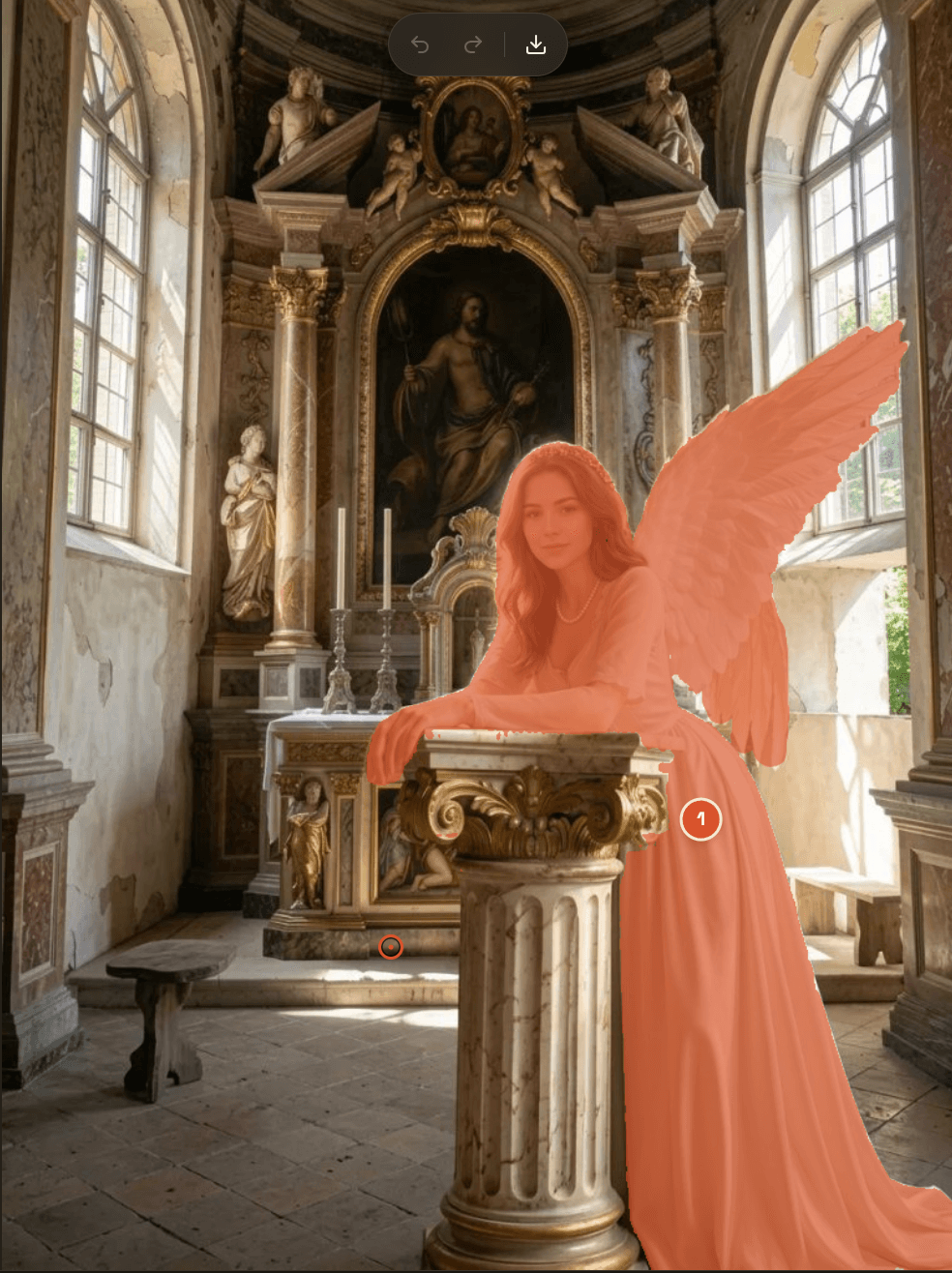
Plain words in. Precise edits out.
'Make the wings black.' 'Turn this silver.' Only what you selected changes — everything else stays untouched.
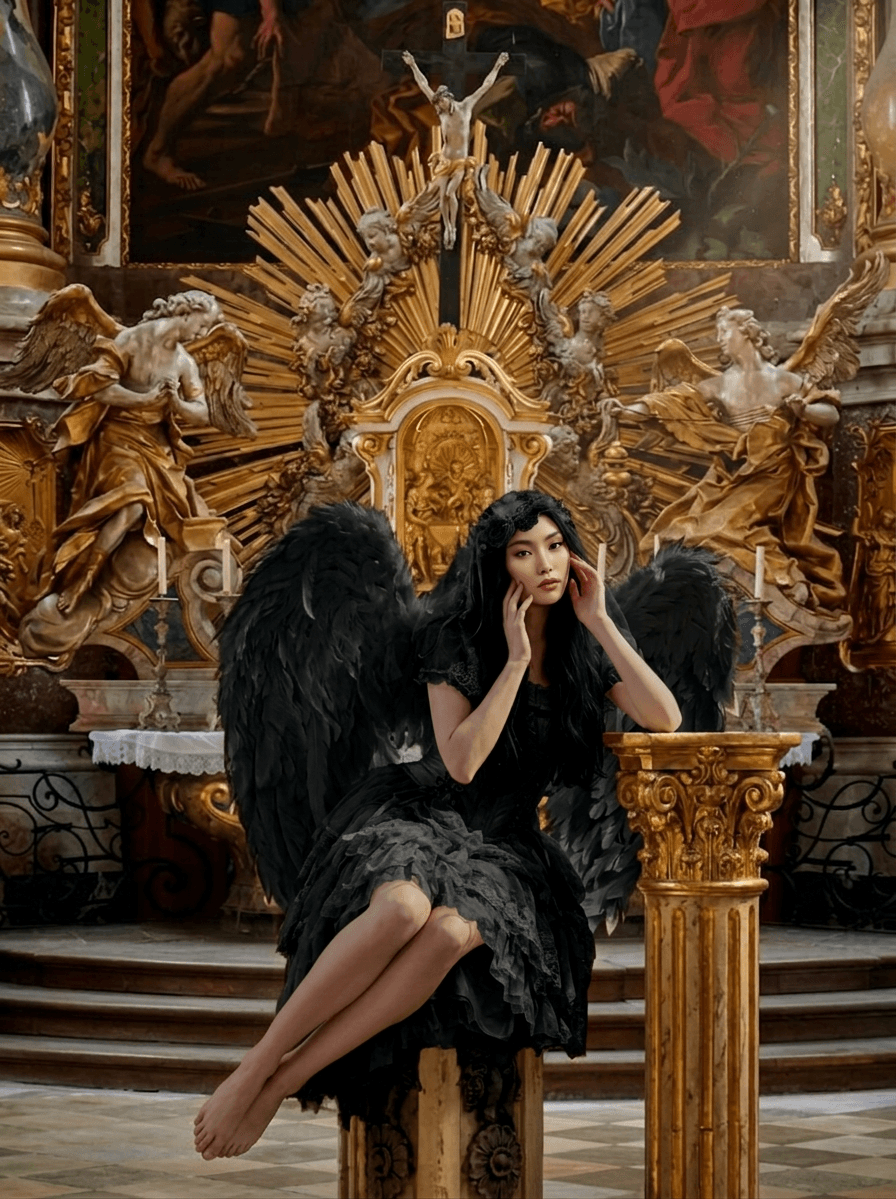
Recolor, restyle, or drop in something new.
Change a material, replace an object with your own photo, or erase it clean — all in the same canvas, with the rest kept consistent.
Made with Composia.
Real edits, real composites.
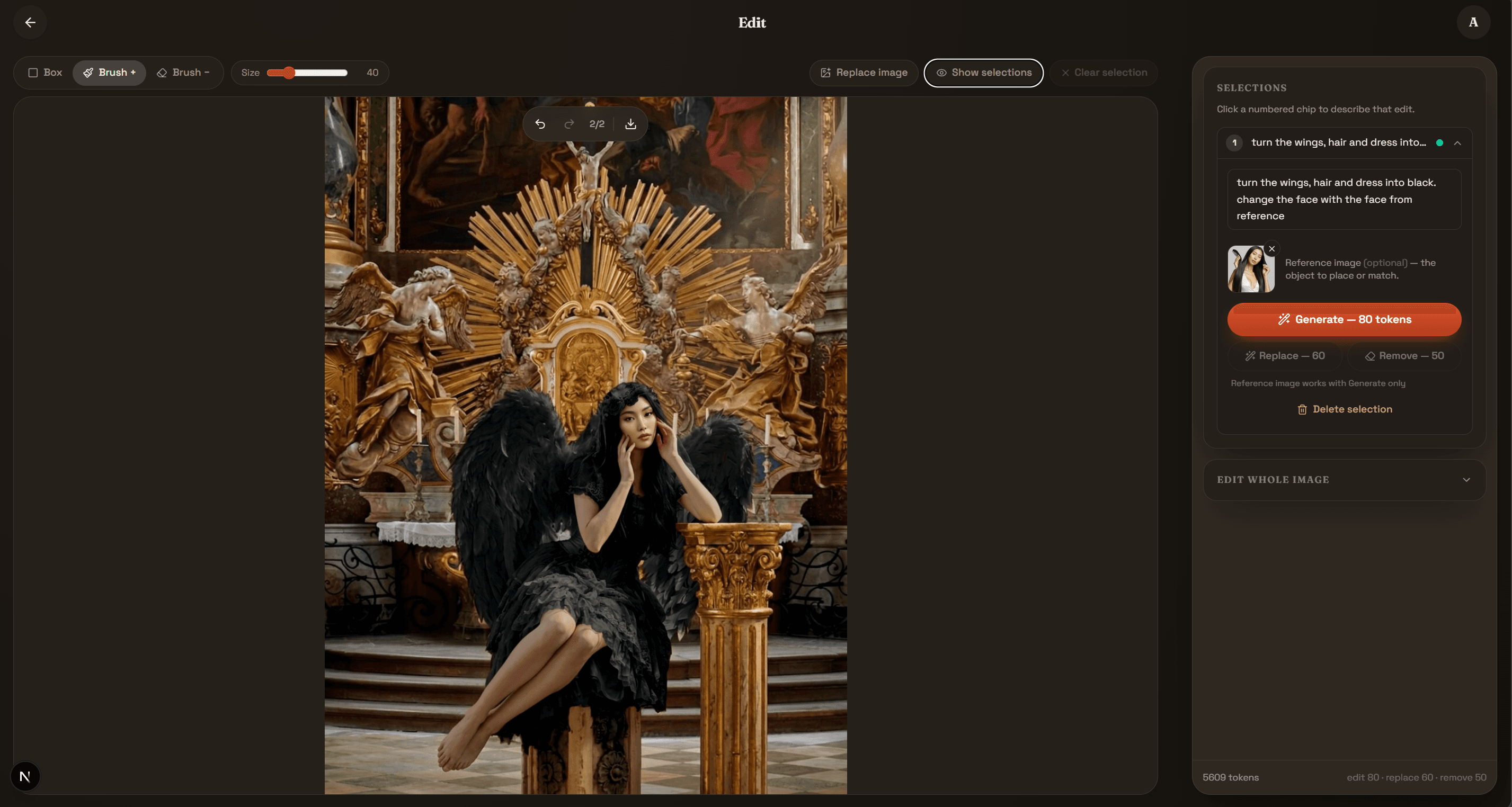
Pro-grade editing.
Plain-language ease.
Built for people who know what they want to see — not how to operate the software.
You direct. AI executes.